
Instructions for Custom Earplugs
Choose your earplug style below for instructions on how to insert, remove, clean, and care for your custom plugs.
- Drifters – our sleep-specific plugs
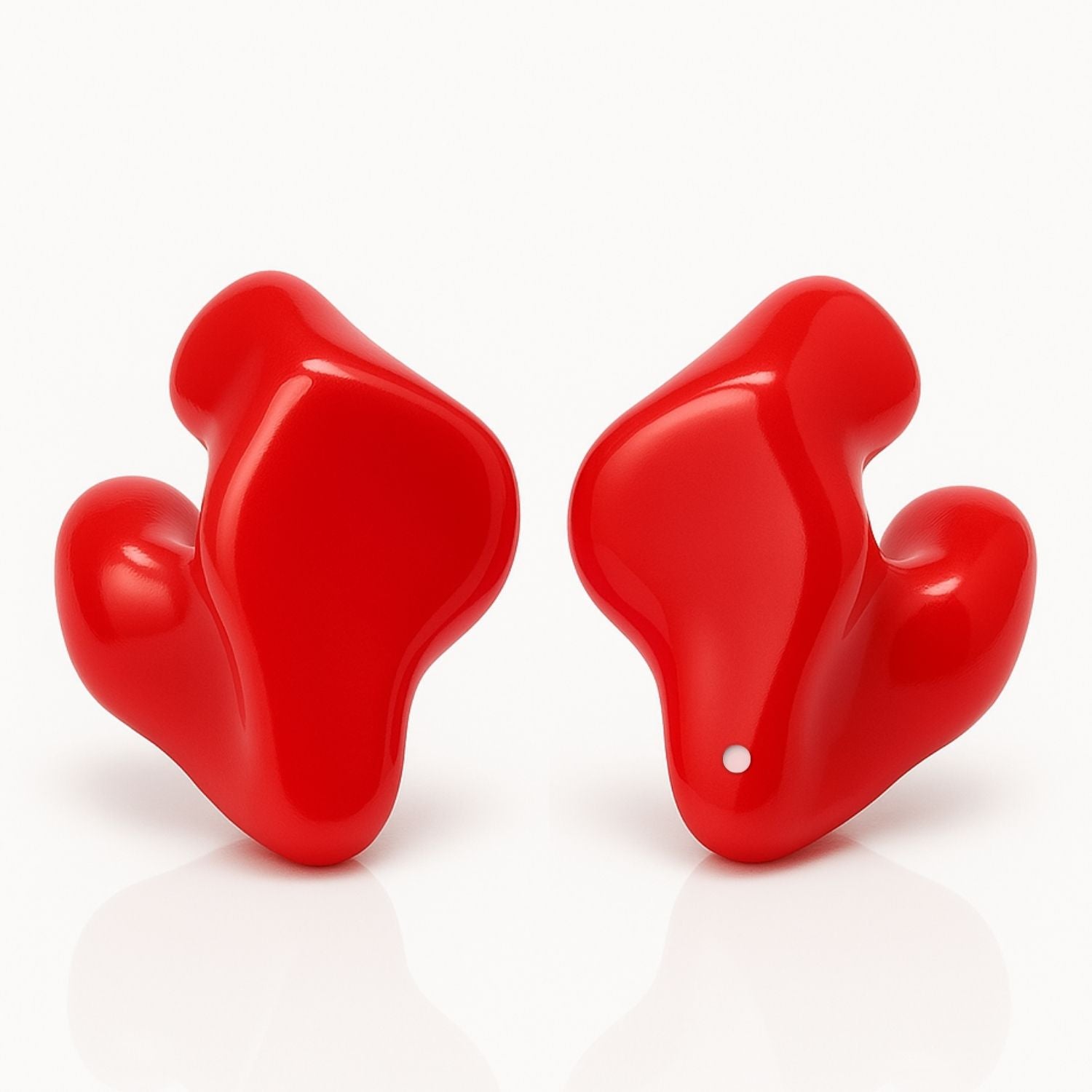
- Full Shell (Including Pro Versions) - Protectors, Riders, Rangers, AquaSafe
- Canal Style – includes Concertos, Engagers, and Densonics
- How to Change Noise Filters - all our filtered (vented) earplugs

How to Remove and Replace Noise Filters
Use the included Filter Tool to remove and replace your filters.
Step 1 — Use the Filter Tool
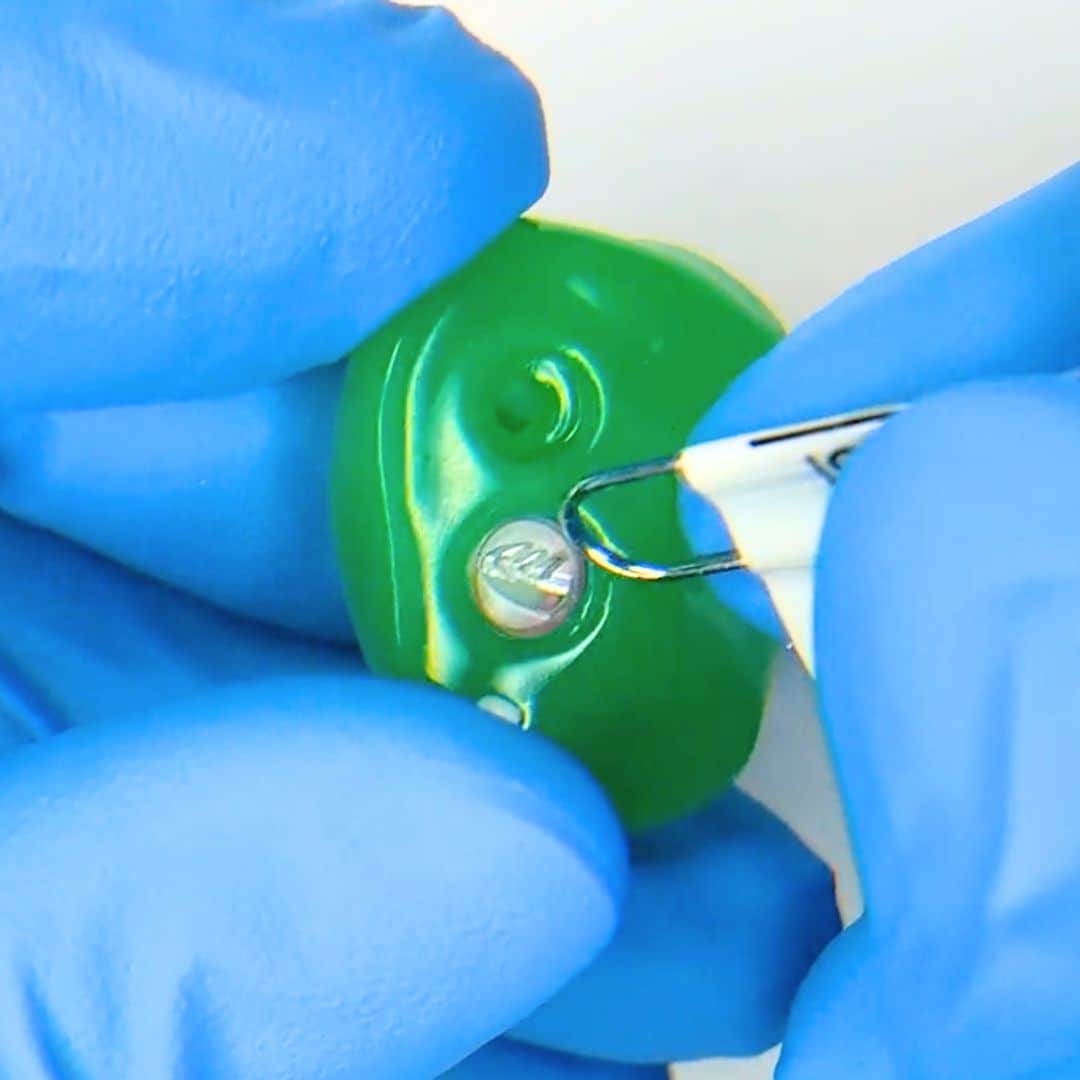
Use the round end of the included Filter Tool. If you don’t have it, use the round end of a paperclip. Do not unfold the paperclip or use the pointed ends.
Step 2 — Remove the old filter
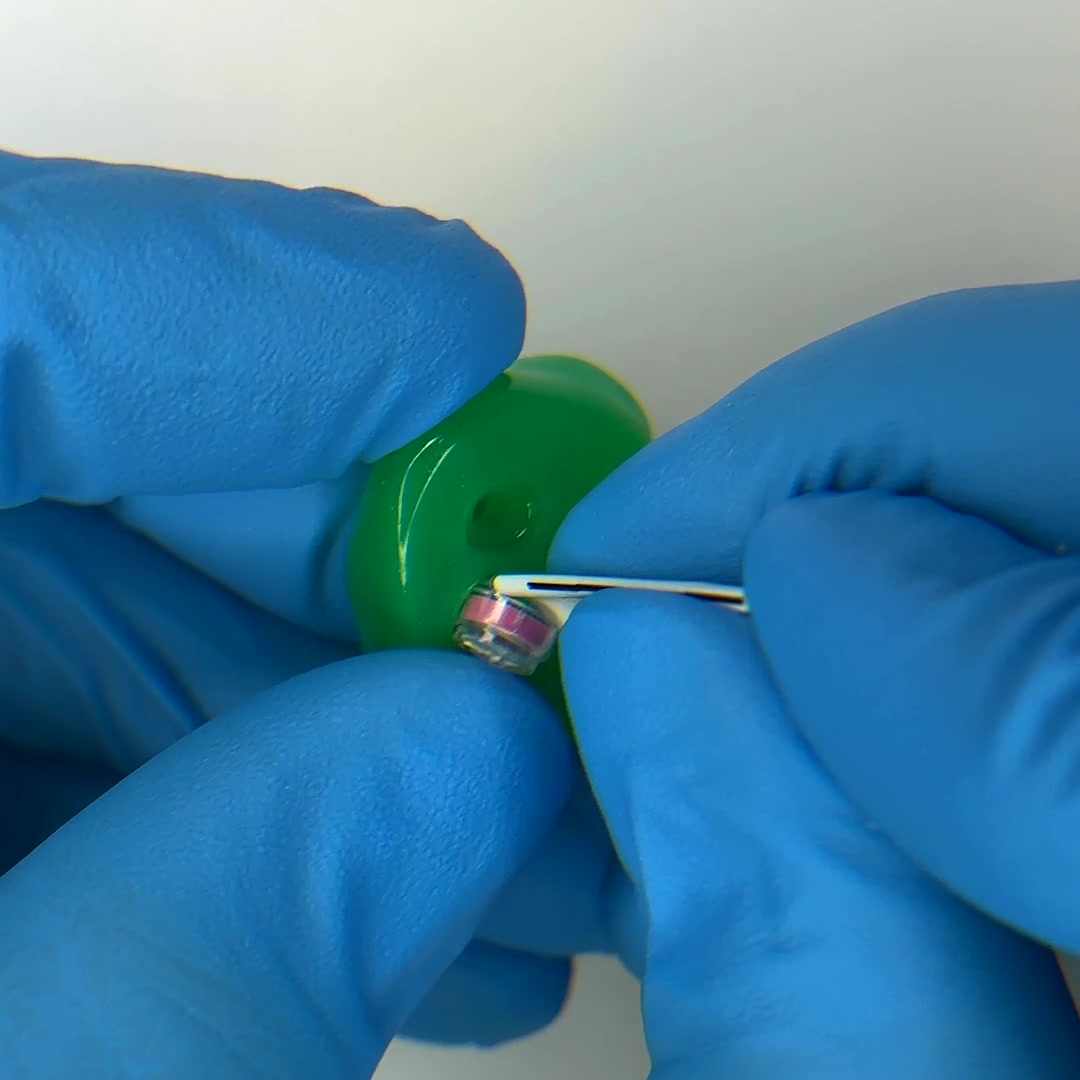
Gently slide the round end between the edge of the filter and the silicone. The silicone will flex slightly. Pop the filter out carefully.
Step 3 — Insert the new filter
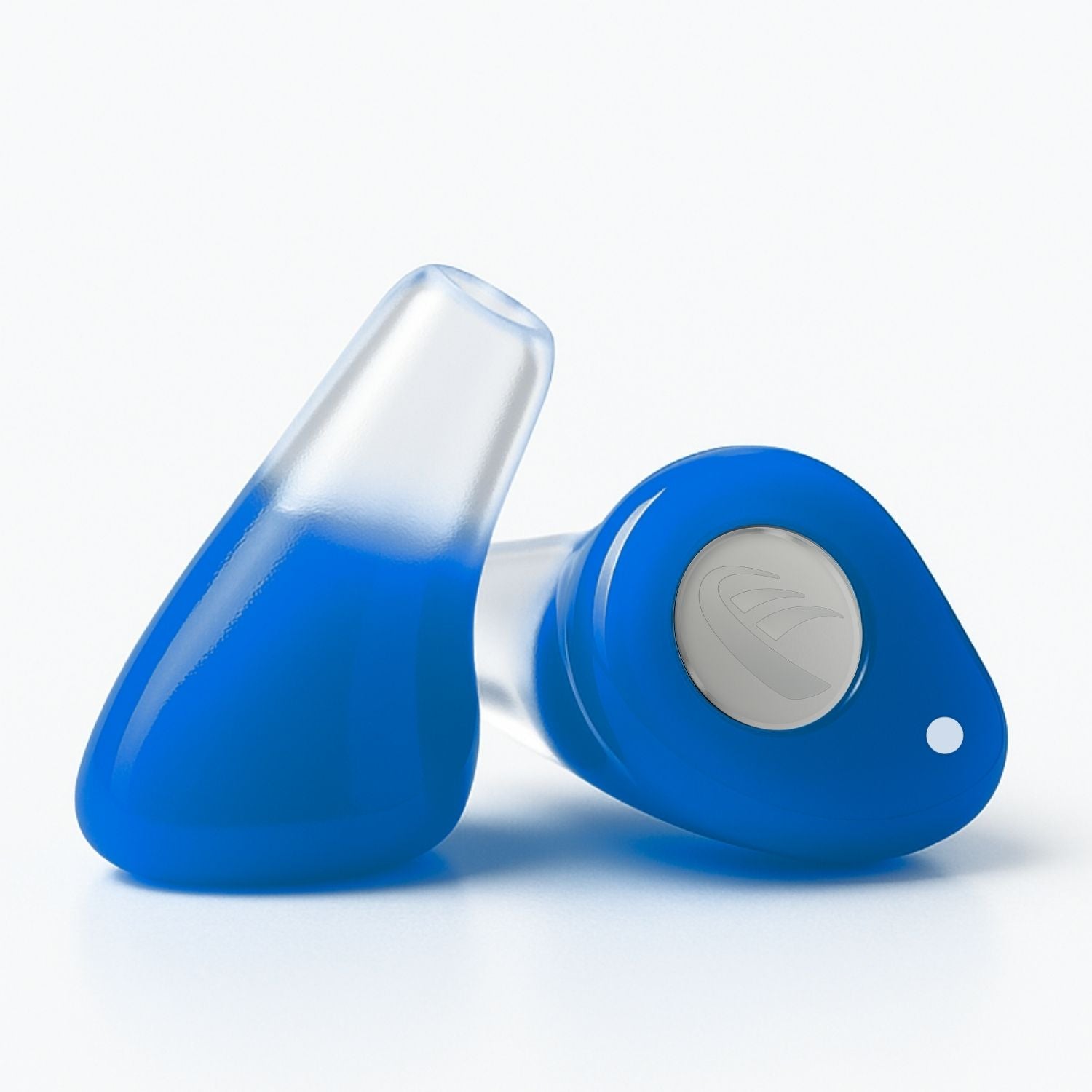
Align the new filter upright. Angle one side in first, then press gently until it sits flat and flush.
Tip: The filter should sit flat when fully inserted.
Get Help